Voxia is an AI note taker for iPhone. You record a meeting, a lecture or an interview, and the app gives you back the text with each speaker labelled, the conversation split into sections, and a short AI summary at the top. A single recording can run up to four hours, and the result exports to Word or PDF.
What an AI note taker does
Someone taking notes by hand has to choose between listening and writing. An AI note taker removes that choice. It records the audio, runs speech recognition to turn it into text, and then uses a language model to sort and shorten that text. You end up with two things: a full record of what was said, and a summary you can read in a minute.
Handwritten notes tend to lose the exact wording of a decision, a number someone quoted, or the question you meant to come back to. A complete text record keeps all of that, and you can search it later instead of replaying an hour of audio.
How to take AI notes with Voxia
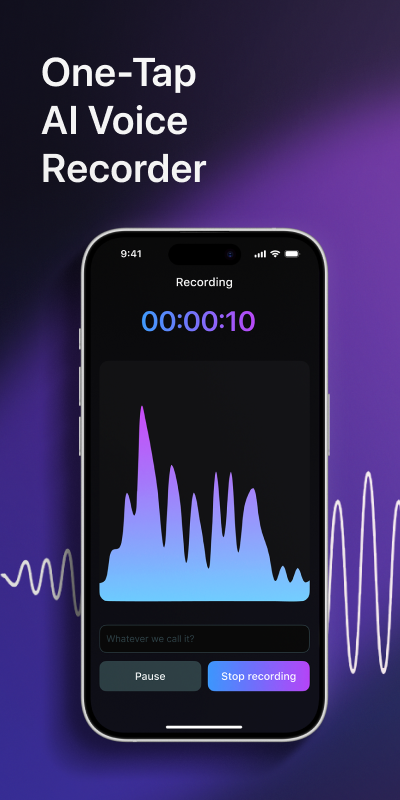
- Open Voxia and tap the record button. Put the phone on the table, as close to the people talking as you can.
- Talk as you normally would. A team meeting, a seminar, a client call on speakerphone, an interview: anything up to four hours fits in one recording.
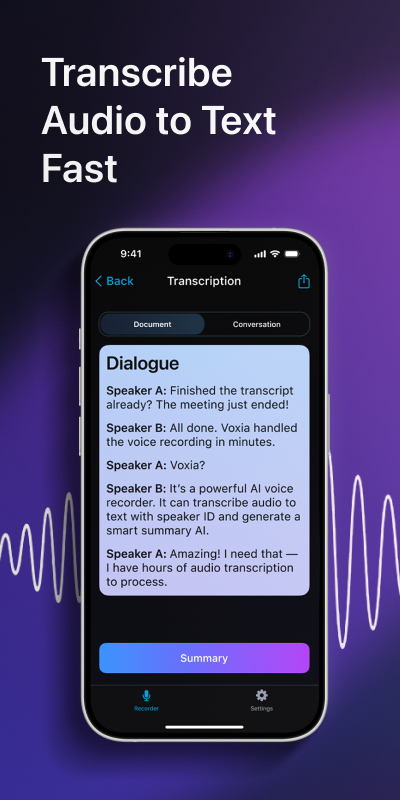
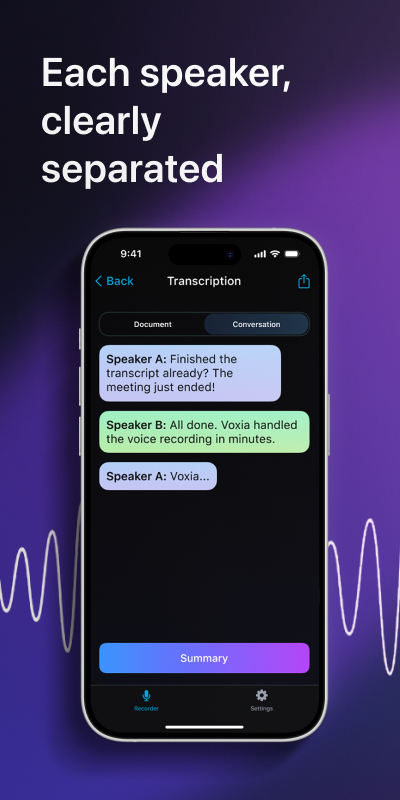
- Stop the recording. Voxia runs AI transcription and labels each speaker, so you can see who said what.
- Open the summary. The app sorts the conversation into sections and writes an AI summary with the main points.
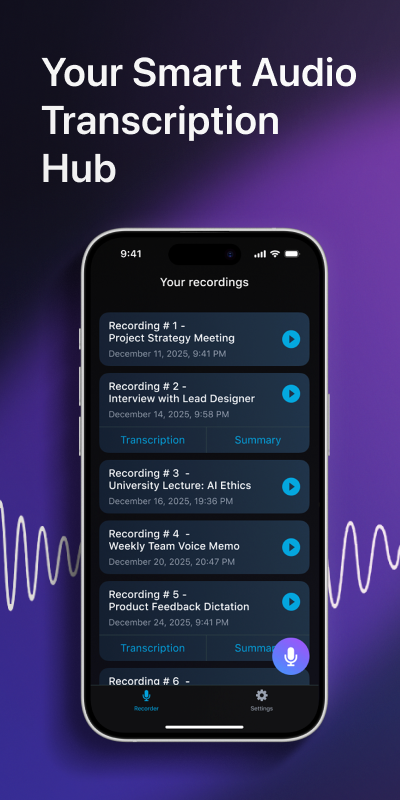
- Export the notes to Word or PDF and share them with your team, or leave them in your recordings list for later.
Where it helps
Meetings. The people who missed the call get the notes instead of a vague recap. You also keep a record of who agreed to what, which settles most "I thought we said" arguments a week later.
Lectures. Students record a class and keep the full text next to the summary. Before an exam you read the structured version first and open the full text only where you need the detail.
Interviews. Journalists, researchers and recruiters need exact quotes. Speaker labels separate the questions from the answers, so you can pull a quote without scrubbing through the audio.
Tips for cleaner notes
- Keep the phone near the people speaking and away from laptop fans and air conditioners.
- Ask people not to talk over each other. Overlapping voices are the hardest part for any speech recognition.
- Have everyone say their name at the start. It makes the speaker labels easier to check.
- Tell everyone you are recording. In many places you need their consent first.
- Check names, figures and dates in the text before you send the notes to anyone.
Your data and help
Recordings are personal, so read how Voxia handles them in the privacy policy. If something does not work as expected, the support page has answers and a way to reach us. You can also learn more about the app on the Voxia home page.
How accurate is an AI note taker?
Clear audio with one person speaking at a time gives the best result. Background noise and overlapping voices lower accuracy, so check names and numbers before you share the notes.
How long can a recording be?
Up to four hours in a single recording.
Can I export my notes?
Yes. Voxia exports the text and summary to Word and PDF.
Does Voxia tell speakers apart?
Yes. Each speaker gets a label in the text, so you can see who said what.
Turn your next recording into AI notes with Voxia
Download on the App Store